Available in v0.6.6
What works without a catalog key
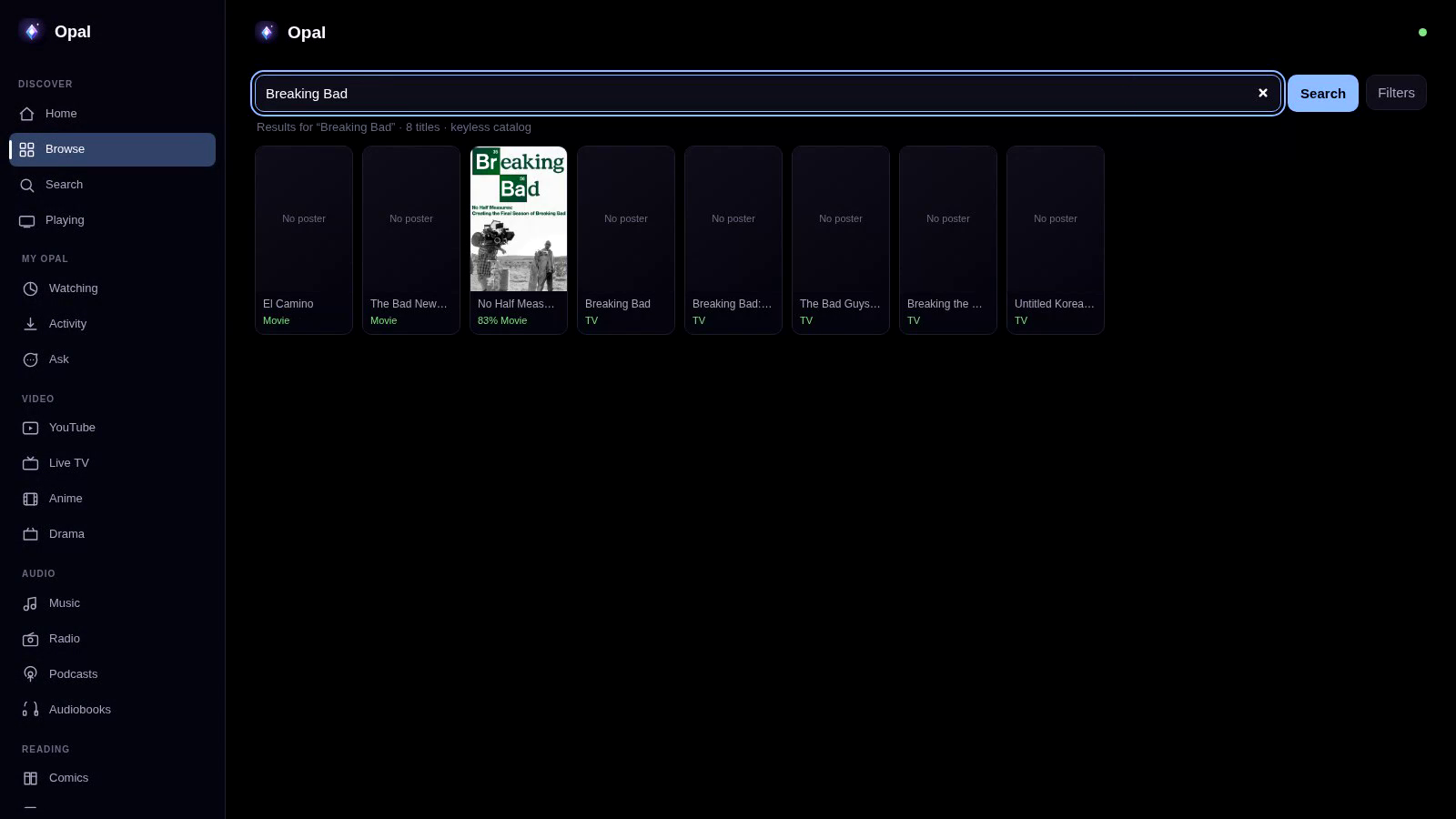
Open Movies & TV after installing Opal. Cinemeta supplies trending, popular, top-rated, genre-filtered and search results without a setup token.
Opening a TV result shows its seasons and episodes in the same desktop and web drill-down used by TMDB-backed results. Episode names, summaries, dates and thumbnails come from the catalog response.
Try the flow
- Leave the TMDB v4 token field empty in Settings.
- Open Movies & TV.
- Browse the catalog or enter a title in search. The type, category and genre filters remain available.
- Open a TV result, choose a season and inspect its episodes.
Cinemeta and TMDB have different roles
Cinemeta is the built-in catalog used when no TMDB token is configured. Add a TMDB v4 token in Settings when you want TMDB metadata instead. The token is an optional metadata upgrade, not a first-launch requirement.
Network and playback limits
The keyless catalog is online. Opening it contacts v3-cinemeta.strem.io, and poster requests can contact images.metahub.space. Search text, filters, pagination or an opened series' IMDb ID can be included in those requests.
Catalog metadata does not guarantee a playback source. Opal hosts no content, and source availability, safety and legality vary by title and region. Use sources you trust and have permission to access.
Verify the release
The public v0.6.6 release notes describe the keyless catalog and season browser. The implementation is available in the Opal source repository.
Use the keyless catalog in Opal 0.6.6
Install the current release, then open Movies & TV without adding a TMDB token.
Download OpalRead the v0.6.6 notes